
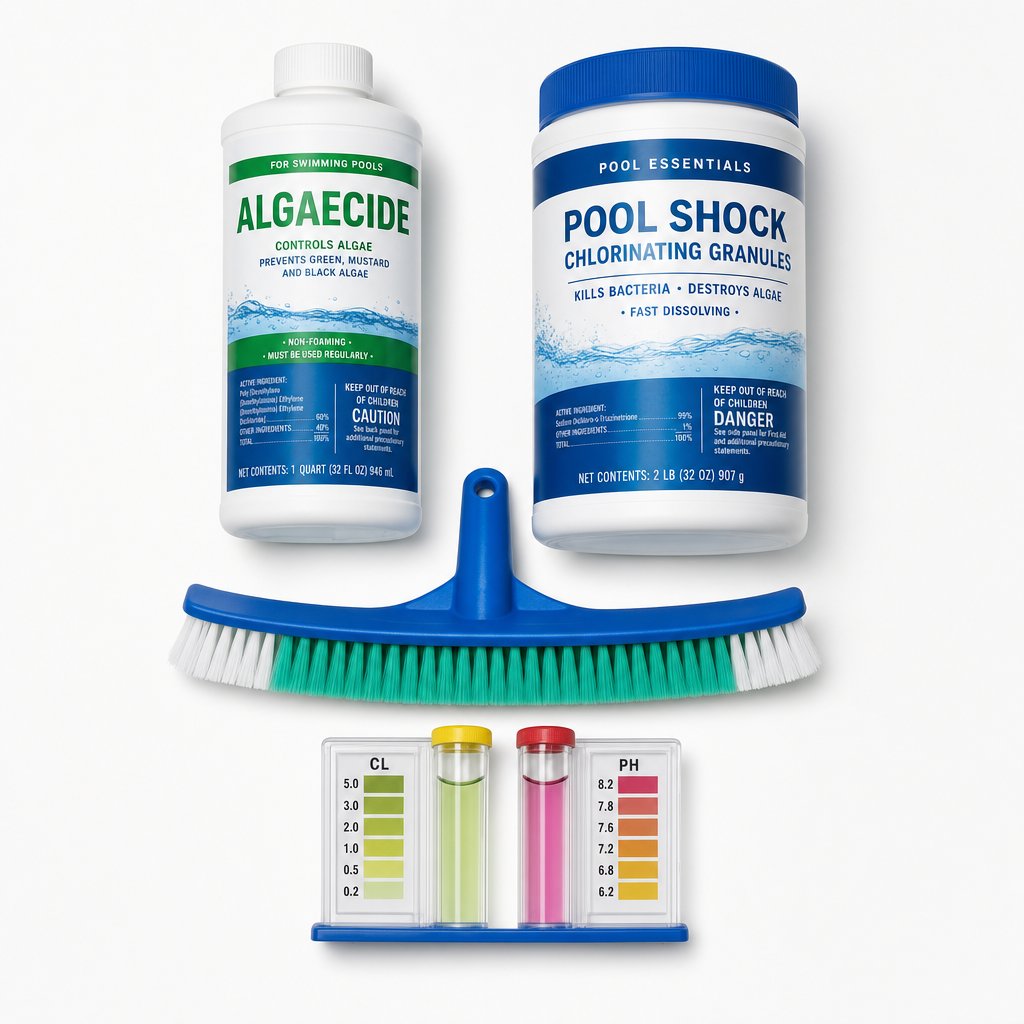
Algae is every pool owner's nightmare, and in Tampa Bay it's basically a guaranteed annual event if you're not on top of maintenance. The good news: prevention is straightforward, and even if your pool goes green, the recovery process is well-understood and manageable.
Why Tampa Bay Pools Get Algae
Three factors combine to make Tampa Bay the algae capital of pool maintenance:
Heat. Algae thrives in water above 75°F. Tampa Bay pools sit in that range 10–11 months of the year. The same algae problem in Minnesota is a summer-only concern.
Sun. UV radiation doesn't just destroy chlorine — it energizes algae photosynthesis. More sun = faster algae growth.
Nutrients. Leaves, pollen, dirt, and organic debris that blow into your pool are food for algae. Tampa's vegetation is lush, which means your pool gets a constant supply of organic nutrients.
When you combine heat, sun, and nutrients with any gap in chlorine maintenance (even a few hours during a busy weekend), algae can go from invisible to visible green in 24–48 hours.
The Three Types of Algae You'll Encounter
Yellow/Green algae (free-floating): The most common type. Makes the water look cloudy green. It's the easiest to kill but the hardest to filter out because the particles are so small. This is the "pea soup" look.
Green algae (attached): Clings to walls and floor. You'll see green patches that you can scrub off with a brush. Easier to kill than free-floating because it's attached and more exposed to chlorine.
Mustard/Brown algae: The most stubborn type. Resistant to standard chlorine treatments and requires a specific algaecide formulation. Looks yellowish-brown and feels slimy to the touch. More common in pools with high iron content in the water supply.
Prevention: The Real Solution
Maintain proper chlorine levels. This is the single most important factor. Keep free chlorine in the target range (1–3 ppm for non-salt, 3–5 ppm for salt). Never let it drop below 1 ppm for extended periods.
Keep stabilizer in range. Too low and UV destroys your chlorine. Too high and your chlorine becomes ineffective. Test stabilizer monthly during peak season.
Run your pump enough. Minimum 8–10 hours daily in summer. More circulation means better chemical distribution and filtration.
Brush weekly. Brushing prevents algae spores from attaching to surfaces. It's the simplest and most effective physical prevention.
Shock after storms. Tropical storms dump organic debris and dilute chlorine. Shock within 24 hours of any significant rain event.
Use algaecide preventatively. A monthly algaecide treatment (especially in summer) adds a layer of protection. It's not a substitute for proper chlorine management, but it helps.
When Algae Takes Hold: The Recovery Process
If your pool goes green, here's the step-by-step recovery:
Step 1: Test and balance the water. Check pH, alkalinity, and stabilizer. Adjust pH to 7.2–7.4 (slightly acidic helps chlorine work faster against algae). Shock the water with 2–3x the normal dose.
Step 2: Brush aggressively. Brush all surfaces daily. This dislodges attached algae and exposes it to the chlorine.
Step 3: Run the filter continuously. 24/7 until the water clears. Backwash or clean the filter frequently — algae clogs filters fast.
Step 4: Add algaecide. Use a quality algaecide and follow label directions. For mustard algae, use a specific mustard algae algaecide.
Step 5: Maintain shock levels. Test daily and re-shock as needed. Keep chlorine at 5–10 ppm until the water is completely clear.
Step 6: Be patient. Recovery takes 3–7 days for green algae, 5–10 days for mustard algae. Don't give up mid-process.
Step 7: Final clean. Once clear, do a full vacuum, clean the filter, and return to normal maintenance levels.
How Much Does Algae Recovery Cost?
- Chemicals: $50–$150 in shock, algaecide, and pH adjusters
- Water loss: If you need to partially drain and refill, $200–$500 in water cost
- Professional service: If you call a pro during the crisis, expect $200–$400 for the service call plus chemicals
- Equipment wear: Running the filter 24/7 for a week increases wear. Factor in potential filter media replacement ($50–$150)
Total: $300–$1,000 depending on severity and whether you DIY or hire help.
Compare that to $1,600–$3,000/year for professional maintenance that prevents algae in the first place. Prevention is dramatically cheaper than recovery.